Introduction
Remote and hybrid work is simply how the workday happens for most professionals now, but not every apartment is built with a home office in mind. A solid work-from-home apartment setup in a one- or two-bedroom home takes some intention: the right workspace zone, a few ergonomic adjustments, and an internet plan that matches how you actually work. Here's how to build a home office in a small apartment, from choosing where to sit to keeping your connection strong through back-to-back calls.
Choosing a Workspace Zone Without a Dedicated Office
The biggest hurdle in a home office small apartment setup isn't square footage. It's separation. Your brain needs visual and physical cues that tell it "this is work" and "this is rest," even if those two things happen twenty feet apart.
Best Spots in a One or Two Bedroom Apartment
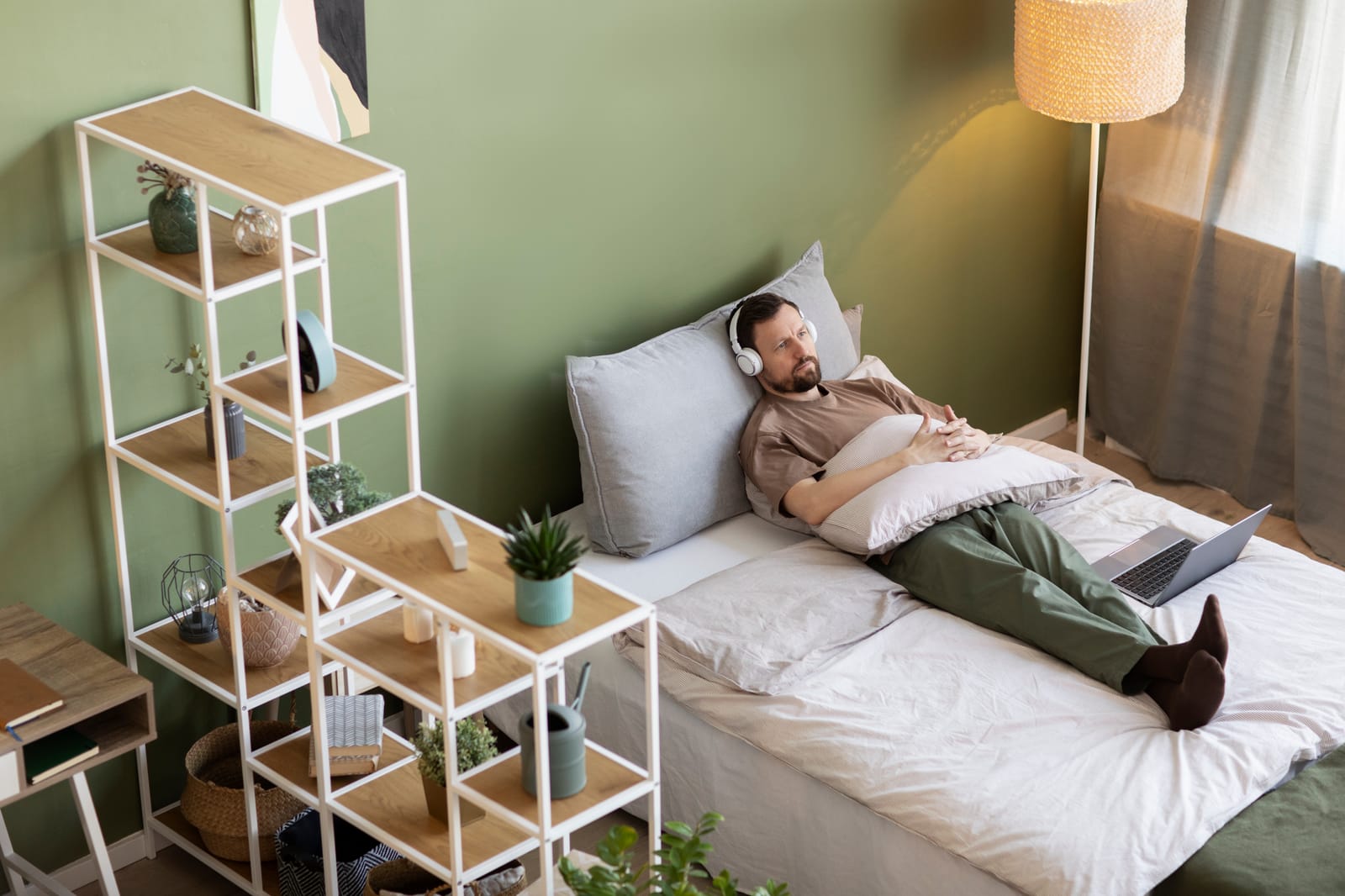
Look for a spot with a wall or window at your back, rather than facing a bed or couch, so your camera frame reads as "workspace." A living room corner, a window nook, or a desk along a bedroom wall all work well. In a two-bedroom layout, using the second bedroom as a flex office gives you a door to close at the end of the day.
Zoning Tricks to Separate Work from Rest
If a spare room isn't an option, small changes still create a mental boundary. A rug under your desk defines the zone visually, and a room divider or curtain can block it from view once you're off the clock. In our experience, residents who stick to one consistent desk location report fewer distractions and an easier time logging off than those who bounce between the couch and kitchen table.
Home Office Ergonomics Basics for Small Apartments
Ergonomics matters just as much in a 500 square foot apartment as it does in a corporate office. Poor posture and awkward monitor heights add up over a full workday, and both Mayo Clinic and OSHA publish practical guidance on this.
Chair, Desk, and Posture
According to Mayo Clinic, your chair should support your spine, with feet flat on the floor or a footrest and thighs parallel to the ground. If your desk is too high and can't be adjusted, raise the chair instead and keep the space underneath clear.
Monitor and Screen Height
Mayo Clinic recommends positioning your monitor about an arm's length away, top of the screen at or slightly below eye level, directly behind your keyboard. If you're working from a laptop, a stand with an external keyboard and mouse brings the screen closer to proper eye height and prevents neck strain.
Keyboard and Mouse Placement
OSHA's guidelines call for keeping wrists straight and in line with your forearms while typing, with your mouse right next to your keyboard so you're not reaching for it. Elbows should stay close to your body rather than extended outward, a small adjustment that prevents strain that builds up gradually.
Ready to see a workspace-ready floor plan in person? Schedule a tour of Detroit Luxury Living and find the one- or two-bedroom layout that fits your setup.
Matching Your Internet Plan to Your Work Needs
A great desk setup doesn't help much if your connection can't keep up with a video call. Matching your plan to your actual workload is one of the most overlooked parts of a work-from-home apartment setup.
How Much Speed Do You Actually Need
The FCC publishes benchmark speeds for common online activities, and video conferencing generally needs only a few Mbps to run smoothly. The catch is upload speed, not download. Group calls, screen sharing, and cloud uploads lean on upload bandwidth, which is where connections tend to bottleneck during a busy meeting day. For one person, a plan in the 100 to 200 Mbps range with a solid upload tier is generally more than enough.
Router Placement for a Stronger Signal
Where your router sits matters almost as much as the plan you're paying for. Keep it central and open, away from thick walls or metal appliances. If your desk is in a back bedroom, a wired Ethernet connection or Wi-Fi extender gives you a steadier signal than Wi-Fi alone over a longer distance.
Building Focus Habits and Work-Life Boundaries in a Shared Space
Even with a great physical setup, working from a small apartment means work and home life share the same square footage. Building habits around that reality matters as much as the furniture does.
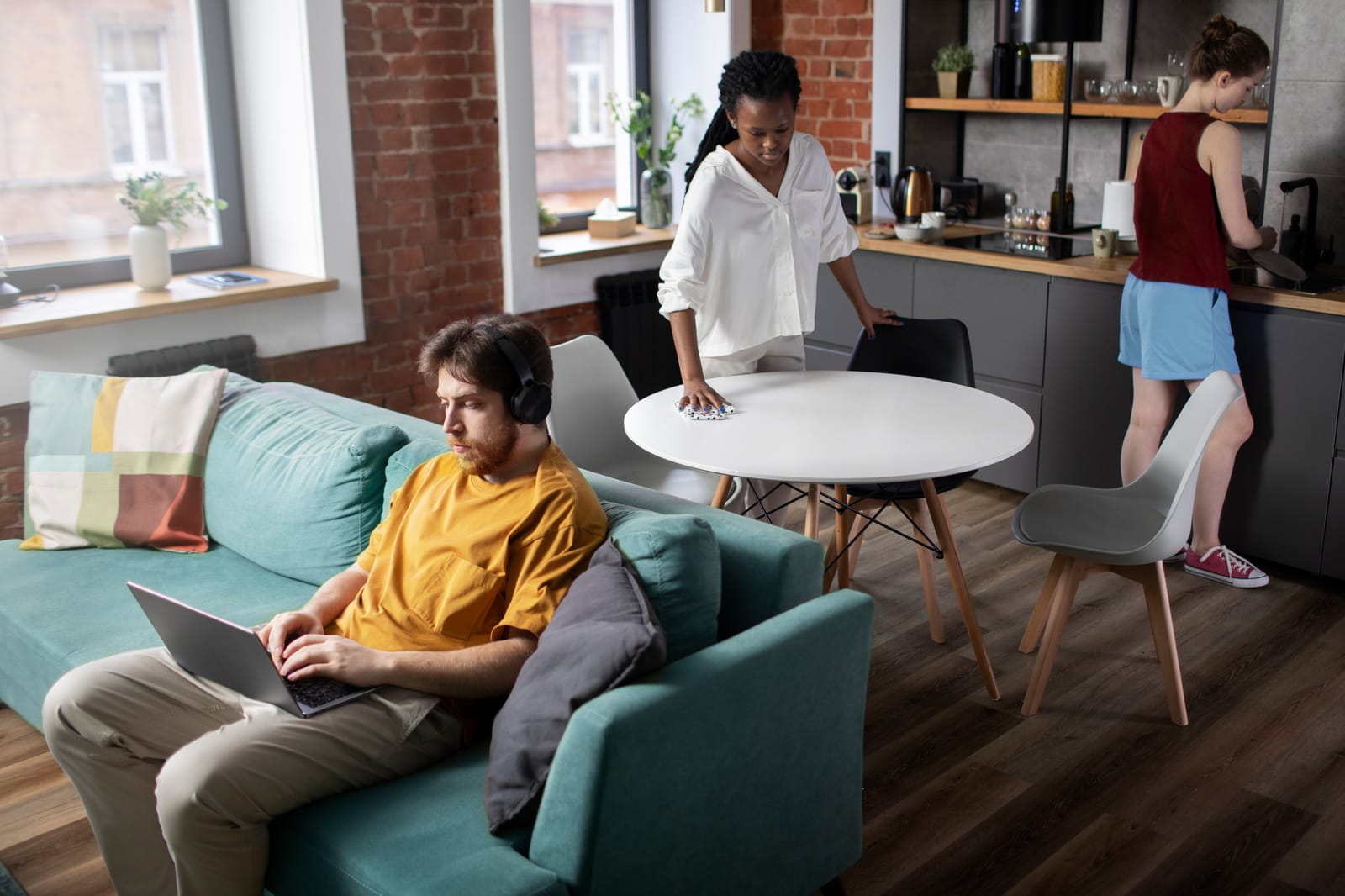
Set a consistent start and end time, and treat the end of the day as a real transition, closing your laptop or physically leaving the workspace zone. Noise-canceling headphones create a focus cue even in an open-concept layout. If you live with a roommate, a quick conversation about shared quiet hours during calls goes a long way. In our conversations with remote-work residents, the ones who protect a consistent routine describe their days as calmer and easier to switch off from.
Why Detroit Luxury Living Works for Remote and Hybrid Professionals
A work-from-home apartment setup is only as good as the apartment behind it. Detroit Luxury Living's one- and two-bedroom homes come with updated kitchens, full-size refrigerators, and hardwood-style flooring, a comfortable backdrop for work and downtime alike. Central heating keeps things comfortable through Michigan winters, our maintenance team is on call 24 hours a day, and online rent payment means one less errand pulling you away from your desk. Pet owners are welcome too, so your furry coworker can settle in right alongside you.
If you're weighing a move, our Move-In Guide walks through what to expect, and our Roommate Guide is a helpful read if you're sharing a two-bedroom setup. Commuting hybrid a few days a week? Check our West-Side Commute Guide for the easiest routes in and out.
Conclusion
A productive work-from-home apartment setup comes down to four things: a consistent workspace zone, ergonomics that protect your body, internet that matches your workload, and habits that keep work and rest from blurring together. None of it requires a dedicated office, just a little intention with the space you have.
Want a quiet, well-connected place to work from? Tour Detroit Luxury Living and picture your workspace. Our apartment homes sit along the West Side Detroit corridor with easy access to the Telegraph Road and I-96 corridors, simple to settle into whether you're fully remote or splitting your week between home and the office. Explore our Floor Plans, browse the Neighborhood, or read our Move-In Guide to see what comes next.
Contact us by calling +1 313-654-6341 or sending an email at dll@waldorfmgmt.com.
Book a Tour | View Floor Plans | See What's Included
Frequently Asked Questions
What internet speed do I need to work from home in an apartment?
Most remote workers do well with 100 to 200 Mbps download speed and a strong upload tier, since video calls and file sharing depend more on upload bandwidth than download. A single call typically needs only a few Mbps, but multiple calls or a shared household connection benefit from more headroom.
How do I set up a home office in a small apartment without a spare room?
Choose a consistent corner or wall space with a wall or window behind you rather than a bed or couch. Use a rug, divider, or curtain to visually separate the zone, and keep the same spot every day.
What's the correct monitor height for a home office setup?
Mayo Clinic recommends placing your monitor about an arm's length away with the top of the screen at or slightly below eye level, directly behind your keyboard. If you use a laptop, a stand paired with an external keyboard and mouse helps achieve this height.
SOURCES:
- https://www.mayoclinic.org/healthy-lifestyle/adult-health/in-depth/office-ergonomics/art-20046169
- https://newsnetwork.mayoclinic.org/discussion/home-office-ergonomics-tips/
- https://www.osha.gov/etools/computer-workstations/
- https://www.osha.gov/etools/computer-workstations/checklists/evaluation
- https://www.fcc.gov/consumers/guides/broadband-speed-guide
- https://www.fcc.gov/research-reports/guides/broadband-service-home-consumers-guide